Using the wrong image size on social media is one of those small mistakes that visibly damages your content. A profile photo that appears blurry, a banner that gets cropped at the edges, a post image that shows as letterboxed — all of these signal poor attention to detail to anyone visiting your profile. Getting the dimensions right takes two minutes per image and makes a noticeable difference.
This is a reference page you can bookmark and return to whenever you need exact dimensions. All sizes below are current for 2025 and verified against each platform’s official guidelines.
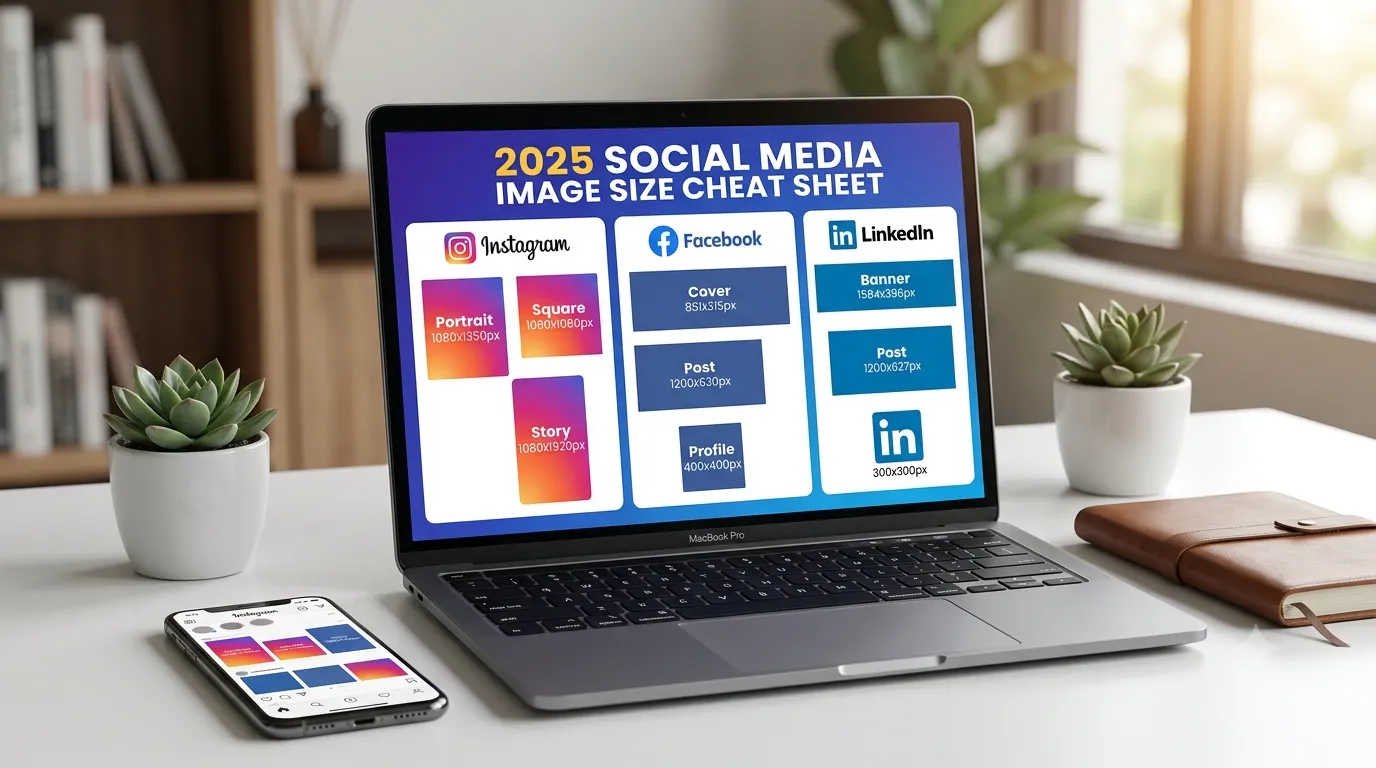
Instagram Image Sizes (2025)
| Image Type | Dimensions | Aspect Ratio |
|---|---|---|
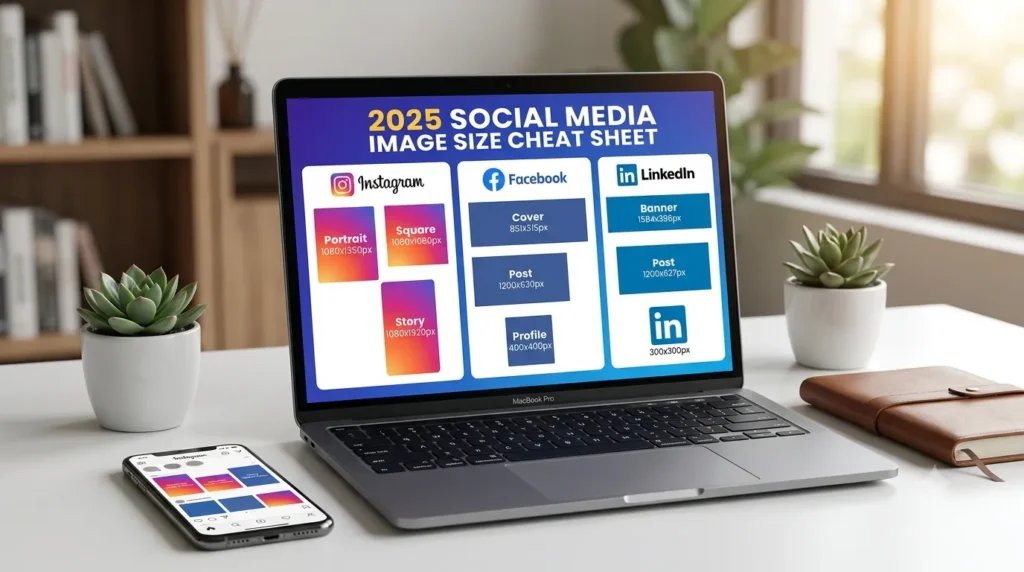
| Profile photo | 320 × 320px (displayed at 110px) | 1:1 |
| Square post | 1080 × 1080px | 1:1 |
| Portrait post (recommended) | 1080 × 1350px | 4:5 |
| Landscape post | 1080 × 566px | 1.91:1 |
| Story / Reel cover | 1080 × 1920px | 9:16 |
| Carousel image | 1080 × 1080px | 1:1 |
Instagram tip: The 4:5 portrait ratio (1080×1350px) takes up the most screen space in the feed, which generally leads to higher engagement. If you are creating content specifically to perform well in Instagram feeds, use portrait orientation by default.
Facebook Image Sizes (2025)
| Image Type | Dimensions | Notes |
|---|---|---|
| Profile photo | 170 × 170px | Upload at 400×400px minimum |
| Cover photo (personal) | 851 × 315px | Upload at 1702×630px for retina |
| Page cover photo | 820 × 312px | Displays differently on mobile |
| Feed post image | 1200 × 630px | Best for link shares and posts |
| Story | 1080 × 1920px | 9:16 ratio |
Facebook tip: Facebook cover photos display at different dimensions on desktop versus mobile. Keep important text and logos in the central area, away from the top, bottom, and edges, to avoid cropping on mobile devices.
LinkedIn Image Sizes (2025)
| Image Type | Dimensions | Notes |
|---|---|---|
| Profile photo | 400 × 400px minimum | Max 8MB — use square image |
| Background / banner | 1584 × 396px | 4:1 ratio |
| Post image | 1200 × 627px | Landscape performs well in feed |
| Company page logo | 300 × 300px | Square — PNG with transparency works |
| Company cover image | 1128 × 191px | Very wide — keep key content centred |
Twitter / X Image Sizes (2025)
| Image Type | Dimensions | Notes |
|---|---|---|
| Profile photo | 400 × 400px | Displayed as a circle |
| Header / banner | 1500 × 500px | 3:1 ratio |
| In-feed image | 1200 × 675px | 16:9 landscape recommended |
YouTube Image Sizes (2025)
| Image Type | Dimensions | Notes |
|---|---|---|
| Channel profile photo | 800 × 800px | Displayed as circle at 98px |
| Channel banner | 2560 × 1440px | Safe zone: 1546×423px centred |
| Video thumbnail | 1280 × 720px | 16:9 — max 2MB — JPG or PNG |
YouTube tip: Thumbnails are the single most important image on YouTube for click-through rate. Use 1280×720px, keep text large and minimal, and make sure faces (if present) are clearly visible even at thumbnail size. Thumbnails are what drive views — invest more time here than anywhere else.
How to Quickly Resize Images to Any Social Media Dimension
Once you know the exact dimensions you need, resizing takes under a minute. Use the Systemaxic Image Resizer — enter the width and height for your target platform, upload your image, and download the resized version. You can also set a custom output format (JPG or WebP) and quality level in the same step, so images are both correctly sized and optimized for fast loading.
Frequently Asked Questions
What happens if I use the wrong image size on social media?
The platform will resize or crop your image to fit its display requirements. This usually means important parts of your image get cropped out, the image appears blurry due to upscaling from a too-small source, or letterboxing appears with unwanted white or black bars. None of these look professional, and blurry profile photos in particular reduce the credibility of both personal and business accounts significantly.
Do I need different image sizes for mobile and desktop?
Most social platforms handle responsive sizing automatically — you upload one image and the platform adapts it for different screen sizes. The issue is that the cropping and display behaviour differs between devices. Facebook cover photos, for example, crop differently on mobile than on desktop. The practical solution is to keep all critical content (faces, logos, text) in the safe zone — generally the central 60% of the image — and avoid placing anything important near the edges.
Should I upload JPG or PNG to social media?
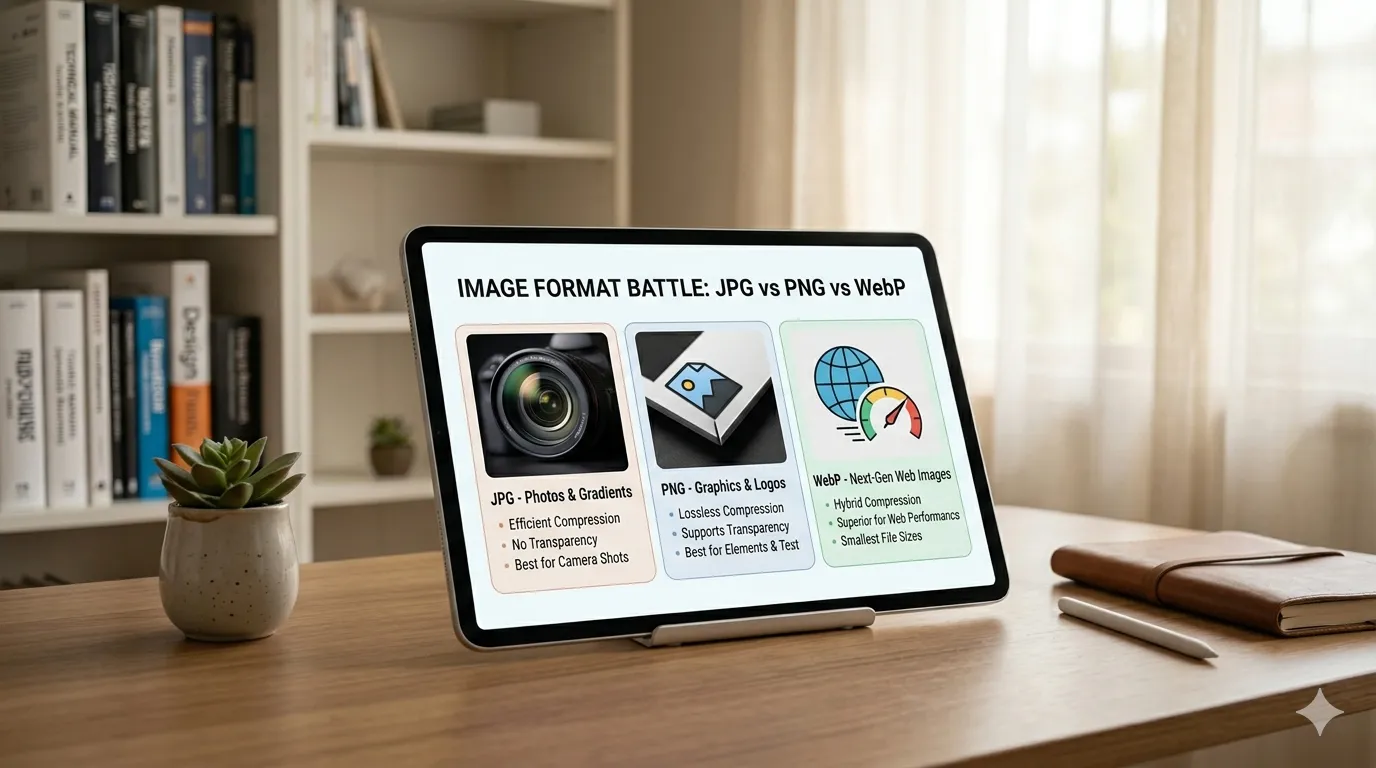
JPG is the better choice for photographs — smaller file size with no visible quality difference for photographic content. PNG is better for graphics, logos, screenshots, and any image that contains text, as PNG preserves sharp edges without the blocky compression artefacts that JPG creates around high-contrast edges. For profile photos that are photographs of a person, JPG. For brand logos and graphic assets, PNG. Either way, social platforms will re-compress your image after upload, so the original format matters less than the quality and dimensions you upload.
Resize any image to the exact dimensions you need — free, instant, no account required.
Resize Images to Any Size Free →