
Getting your product images right before listing is one of the most practical things you can do to improve sales. Platforms like Shopify, Etsy, and Amazon each have specific requirements — and violating them does not just get your images rejected, it can make your listings look unprofessional, hurt your search ranking within the platform, and reduce conversion rates significantly.
This guide gives you the exact dimensions, file size limits, and background rules for each major platform, along with a simple workflow to prepare your images without paying for Photoshop.
Why Product Image Specs Actually Matter for Sales
Product images are not just a technical requirement — they directly affect whether someone buys. Studies consistently show that product listings with multiple high-quality images convert at a higher rate than those with one or two low-quality photos. Platforms know this, which is why they enforce image standards aggressively. Amazon will suppress listings that do not meet its main image requirements. Etsy’s algorithm favors listings with high-quality thumbnail images that perform well in search results.
Beyond conversion, image quality affects how quickly platforms index and rank your products. Properly sized, correctly formatted images load faster, which improves the buyer experience on mobile — where the majority of ecommerce browsing now happens.
Shopify Product Image Requirements
Shopify is the most flexible of the three major platforms when it comes to image specifications. Here are the current requirements and best practices:
| Specification | Requirement / Recommendation |
|---|---|
| Minimum size | 800 × 800px |
| Recommended size | 2048 × 2048px (enables zoom feature) |
| Maximum file size | 20MB per image |
| Accepted formats | JPG, PNG, GIF, WebP |
| Aspect ratio | Square (1:1) recommended for consistency |
| Background | No strict requirement, but white or light grey performs best |
The most important Shopify tip: aim for 2048×2048px on your main product image. This activates Shopify’s built-in zoom feature, which lets customers hover to see fine details. Stores that enable zoom report meaningfully higher conversion rates on detailed products like jewelry, clothing, and electronics.
Even though Shopify accepts up to 20MB files, you should compress your images to under 500KB before uploading. Shopify pages that load slowly due to unoptimized images rank lower in Google Shopping results and have higher bounce rates on mobile.
Etsy Product Image Requirements
| Specification | Requirement / Recommendation |
|---|---|
| Minimum size | 570px on shortest side |
| Recommended size | 2000 × 2000px minimum for full quality |
| Maximum file size | 1MB per image |
| Accepted formats | JPG, PNG, GIF |
| Aspect ratio | 5:4 ratio displays best in search results |
| Background | No requirement — lifestyle shots perform very well on Etsy |
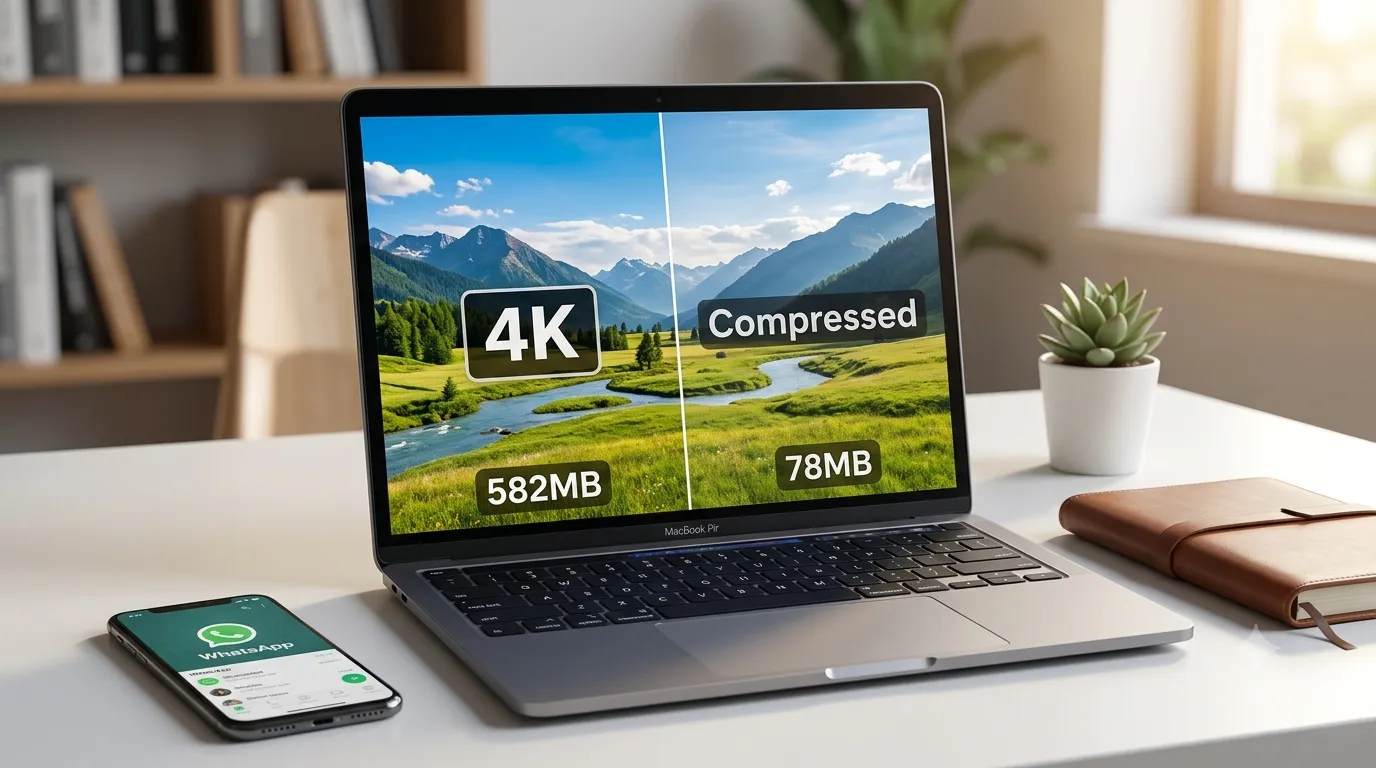
Etsy’s 1MB file size limit is the most restrictive of the three platforms, and it catches many sellers off guard. A high-quality 2000×2000px image at full quality will typically be 2–4MB — too large for Etsy. You need to compress the image to under 1MB while maintaining enough quality for it to look sharp on the listing page. Aim for 90% quality in JPEG format at 2000px — this usually lands around 600–900KB, comfortably under the limit.
Unlike Amazon, Etsy does not require a white background. Lifestyle photography — showing your product in context, being used or worn — tends to perform very well in Etsy search because it helps buyers visualize the product in their own life.
Amazon Product Image Requirements
| Specification | Requirement / Recommendation |
|---|---|
| Minimum size | 500 × 500px (1000px recommended minimum) |
| Recommended size | 2000 × 2000px (enables zoom) |
| Maximum file size | 10MB per image |
| Accepted formats | JPG, PNG, GIF, TIFF |
| Aspect ratio | Square (1:1) required for main image |
| Background | Pure white (#FFFFFF) required for main image |
Amazon is the strictest. The main product image (the one that shows in search results) must have a pure white background — not off-white, not light grey, not a gradient. Just pure white, RGB value 255,255,255. Listings that do not comply get suppressed from search results, which means zero visibility until the image is fixed.
The product itself must fill at least 85% of the image frame. A tiny product floating in the centre of a large white canvas will be rejected. Crop tightly and make the product the focus.
⚠ Amazon main image checklist: Pure white background ✓ | Product fills 85%+ of frame ✓ | No text, logos, or watermarks on the image ✓ | No props that are not part of the product ✓ | No borders or coloured backgrounds ✓
How to Resize and Prepare Product Images for Free
You do not need Photoshop to prepare product images for any of these platforms. Here is a simple workflow using Systemaxic’s free tools:
- Remove the background if needed using the Background Remover — this is the fastest way to get a clean product-only image
- Resize to the right dimensions using the Image Resizer — set width and height to 2000×2000px for any platform
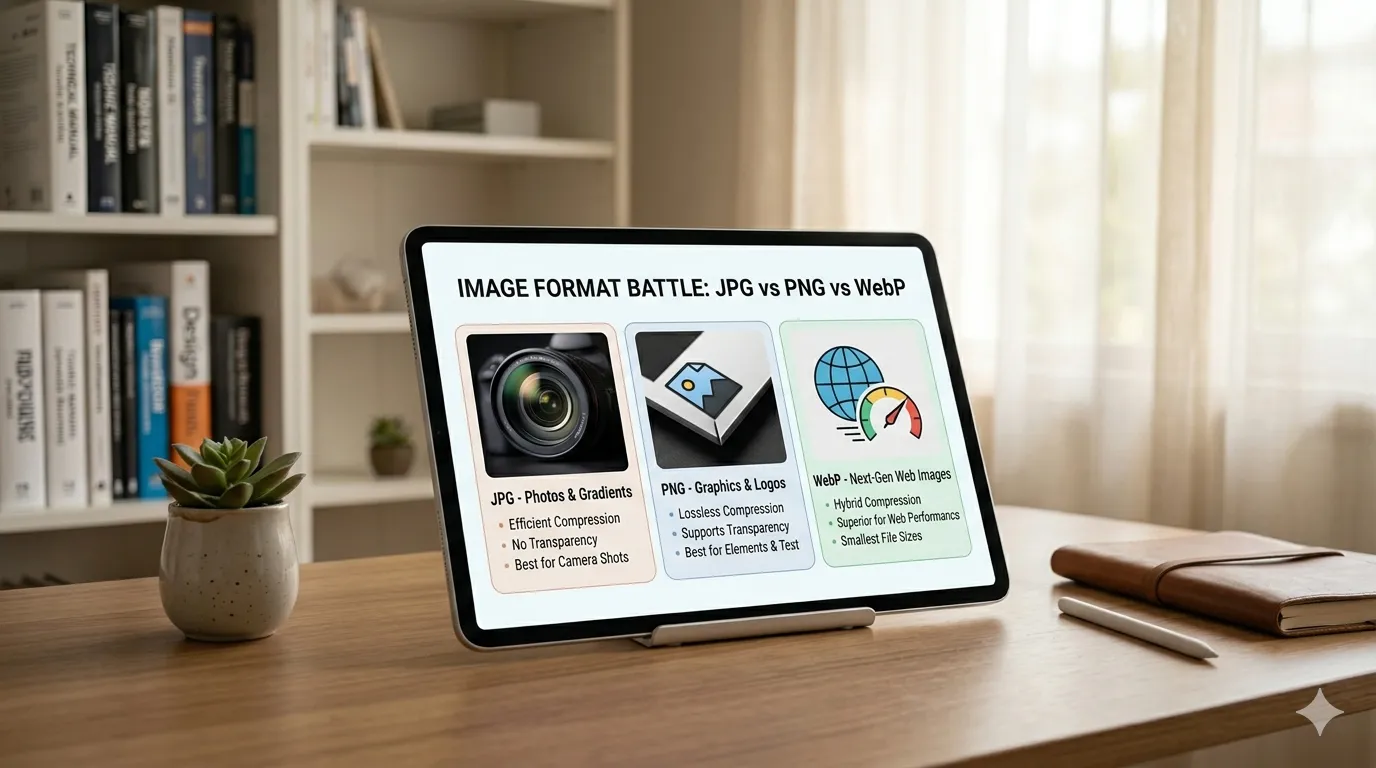
- Adjust quality to 85–90% and export as JPG for Amazon and Etsy, or WebP for Shopify
- Check the file size output before uploading — if it is over the platform limit, drop quality to 80% and try again
Frequently Asked Questions
Can I use the same image file for all three platforms?
Not always. Amazon requires a pure white background for main images, which works fine for Shopify and Etsy too. But Etsy’s 1MB file size limit means your file needs extra compression compared to what Shopify or Amazon requires. The safest workflow is to prepare one high-resolution master image (2000×2000px, white background) and then export two versions: one at higher quality for Shopify and Amazon, and one at stronger compression specifically for Etsy.
What happens if my Amazon product image background is slightly off-white?
Amazon’s automated systems check background colour during image processing. Images with backgrounds that are not pure white (#FFFFFF) may be suppressed from search or flagged for manual review. The error is usually listed as “Main image does not meet image standards” in Seller Central. The fix is to use a proper background removal tool to isolate the product, then place it on a pure white canvas before uploading.
Does image quality affect my platform search ranking?
Yes, on all three platforms. Etsy’s search algorithm factors in click-through rate from search results, which is heavily influenced by the quality of your thumbnail image. Amazon’s A9 algorithm considers listing quality score, which includes image compliance and quality. Shopify does not have its own search algorithm the same way, but poor images reduce conversion rates, which indirectly affects Google Shopping performance for your store.
Resize and compress product images to any platform’s specs — free, no software needed.
Resize Product Images Free →